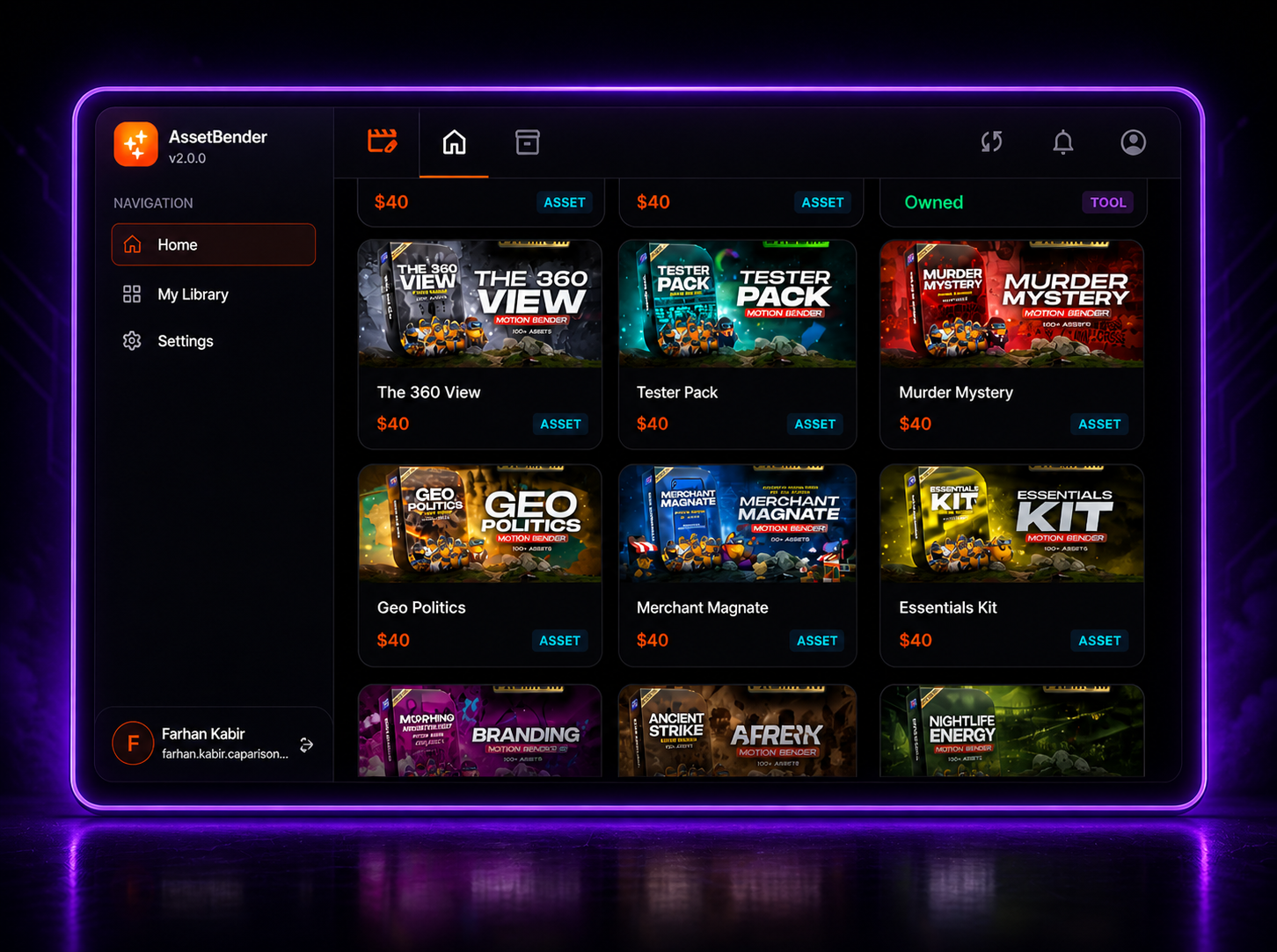
Download
AssetBender
The free companion app that bridges your web purchases to your local system and Premiere Pro.
How It Works
From download to your Premiere Pro timeline in 4 simple steps.
01
Step 01
Download & Install
Get the AssetBender Manager for your platform and run the installer.
02
Step 02
Login with Your Account
Sign in using the same account you used on the web portal.
03
Step 03
Browse & Download Bundles
Your purchased bundles appear automatically. Download them to your system.
04
Step 04
Use in Premiere Pro
The MotionBender extension auto-detects your bundles and integrates them into your timeline.
Ready to Get Started?
Browse premium bundles and start creating professional content today.
Browse the Store